
Beyond Screen Time: 7 Ways Young Children Can Use Technology to Create
October 22nd, 2026 | 5 min. read
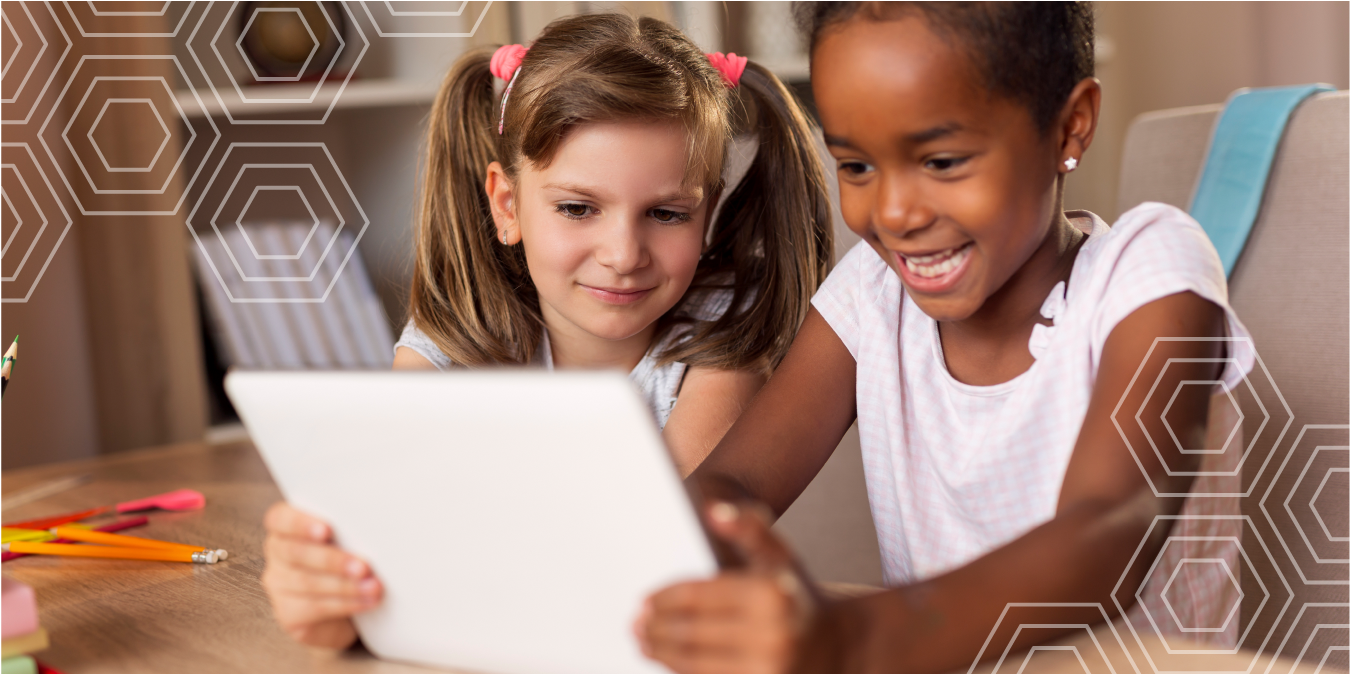
When we talk about technology and young children, the conversation often begins with one phrase: screen time.
How much is too much? Should tablets be in preschool classrooms? Are screens replacing hands-on learning?
Those are important questions. But focusing only on the number of minutes a child spends looking at a screen can obscure another important distinction: Is the child consuming something, or creating something?
In Connected Classrooms, Brian Puerling encourages educators to use technology thoughtfully and intentionally, choosing it because of what children will learn rather than because a new app or device seems fun. The book’s foreword similarly emphasizes that what children do with screens matters, and that early learning environments can help children learn to use technology to explore, connect, and create.
That distinction feels especially relevant around Global Maker Day. Making is active. It involves wondering, experimenting, designing, solving problems, revising ideas, and sharing what you discover.
And technology can be part of that process without becoming an entire experience.
Here are seven ways educators can move beyond passive screen time and invite young children to use technology as creators.
1. Give Children the Camera
A camera immediately changes a child from the viewer to the observer.
Instead of showing children photographs of leaves, buildings, shadows, classroom objects, or community spaces, invite them to decide what is worth photographing.
Puerling offers an example in Connected Classrooms of a preschooler using a digital camera to photograph classmates and their families as they arrive at school. Technology gives the child a meaningful job and a reason to notice other people and engage with the classroom community.
Photography can become part of almost any investigation. Children might photograph the tallest block structure they can build, document what happens to a puddle over several days, collect pictures of circles they find around the classroom, or photograph different textures on the playground.
The camera does not have to pull children away from the real world. It can encourage them to look at that world more closely.
2. Document the Process, Not Just the Product
Young children are often proud of what they do. But some of their richest learning happens while they are making it.
A photo or short video can preserve a block structure before it falls, capture the stages of a cardboard invention, or document how a group solved a problem together.
Puerling recalls having his own childhood LEGO creations photographed so he could preserve them and possibly use the pictures as blueprints later. He connects that experience to giving children time to experiment with digital tools and discover what those tools can help them accomplish.
Invite a child to photograph a structure from several angles. Ask another child to record a short explanation: How did you make it? What was hard? What did you change?
Now technology is supporting reflection, language, memory, and planning.
It also reinforces an important idea for young makers: the process matters.
3. Turn Stories into Multimedia Creations
Young children are natural storytellers, long before they can write conventional sentences.
Technology can give those stories another medium.
In Making Space for Preschool Makerspaces, Robin Marx-Mackerley, Teresa A. Byington, Sarah E. Wright, and Cathryn L. Peshlakai describe story making as one form of making. Children use available materials to create stories and props, while educators document their words and ask open-ended questions that help extend their thinking.
A digital element can add another layer. Children might photograph the characters they built from loose parts, record themselves narrating a story, sequence photographs into a digital book, or film a puppet show created with materials from the makerspace.
The story still begins with imagination, conversation, objects, dramatic play, and human interaction.
The screen simply becomes one more tool for telling it.
4. Make Music Instead of Just Playing It
Children listen to music through technology all the time. What changes when they discover that technology can also help them make music?
In Connected Classrooms, Puerling describes introducing young children to a music application with learning goals that progress from understanding that technology can play music to recognizing that technology can be used to create and that musicians can use digital tools to compose their own music.
That is a very different experience from pressing play on a favorite song.
Children can experiment with rhythm, layer sounds, record their own voices, combine classroom instruments with digital sounds, or create a soundtrack for a story they invented.
They are listening, certainly. But they are also making choices: What happens if I add this sound? Is this too loud? Which beat should come next? Can we make this part faster?
Those choices turn technology into a creative instrument.
5. Mix Digital and Physical Art
Technology does not have to replace paint, clay, collage, light, flowers, fabric, or loose parts.
Some of the most interesting experiences happen when those worlds overlap.
Curated Moments offers striking examples through Riverfield Country Day School’s “Echoes of Reality” work, which explores ways tangible and intangible experiences can combine. The educators use tools such as digital microscopes, projections, mirrored surfaces, and digital landscapes while continually asking how the technology can invite deeper creative and cognitive thinking.
In one experience, children explored color and light through a projected rainbow spectrum, physical CDs, paint, and a CD-shaped canvas. They moved between the projected image, the reflective objects around them, and the marks they were making with their own hands.
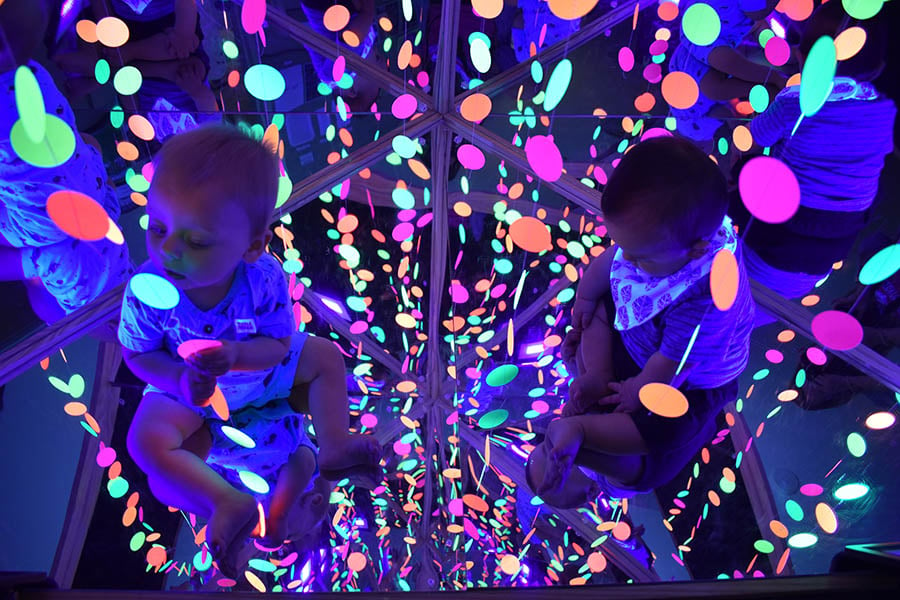
Elsewhere, the authors suggest combining photographs children capture through a digital microscope with wire, paint, clay, collage, sketching, or construction materials.
This is not digital instead of tactile.
It is digital plus tactile.
The projection changes the paint experience. The microscope changes what the child notices about the flower. The photograph becomes raw material for another creation.
6. Use Technology to Investigate
Preschoolers are already researchers.
Susan A. Miller describes three- and four-year-olds in Cognitive Development of Three- and Four-Year-Olds as rapidly developing scientists, engineers, artists, readers, writers, and problem solvers. Their curiosity drives them to use tools, take things apart, try ideas, investigate changes, and figure out how the world works.
Technology can extend that natural curiosity.
A child can use a digital microscope to examine a flower petal, leaf, feather, stone, or piece of fabric. A camera can document what happens when ice melts. A slow-motion video can help children look again at a ball rolling down a ramp. Children might compare close-up photographs with what they see through an ordinary magnifying glass.
In Curated Moments, children working with a digital microscope learned to connect the tiny object beneath the lens with the magnified image appearing on the screen. They even created compositions under the microscope and captured photographs for later exploration.
The important part is not the novelty of the device.
It is the question that the device helps children investigate.
7. Design, Build, Test, and Collaborate
Perhaps the clearest alternative to passive technology use is making something together.
A makerspace may contain electronics and digital tools, but it might also contain cardboard tubes, wood scraps, fabric, tape, wheels, natural materials, recycled containers, screwdrivers, buttons, or bottle caps. The authors of Making Space for Preschool Makerspaces describe makerspaces as environments where children can make, tinker, explore, create, wonder, imagine, and collaborate using everything from art materials and recycled objects to electronics and technology.
The emphasis is not on the fanciest tool.
It is on what the child does with the materials.
Young children in makerspaces design, solve problems, test ideas, persist through challenges, collaborate with peers, communicate, invent, and create. They construct knowledge rather than simply receiving information.
Miller describes the same instincts in ordinary preschool play. Given a box of simple wooden discs, children counted them, graphed their structures, dictated stories, formed letters, and worked together to design and engineer castles, amusement parks, and other three-dimensional constructions.
Technology can join that process wherever it adds something meaningful. Children might photograph their plans, use a tablet to sketch an idea, record a video explaining how an invention works, create a digital backdrop for a physical structure, or collaborate on a digital design before building a version with real materials.
Technology supports making.
It does not become the making.
Look Beyond the Screen
The goal is not to turn every preschooler into a digital creator every time a device appears.
Young children still need mud, paint, blocks, dramatic play, books, conversation, movement, music, nature, relationships, and plenty of time to explore with their hands.
Technology belongs within that rich world, not in place of it.
When educators begin with a child’s curiosity rather than with the device, technology can become a camera, microscope, musical instrument, storytelling tool, sketchbook, documentation system, design tool, or collaborative workspace.
So perhaps the most useful question is not simply, how much screen time are children getting?
Ask instead:
What are they doing with it?
Because the most powerful technology experience may end with a child saying, “Here’s what I made!” rather than “Here’s what I watched.”
